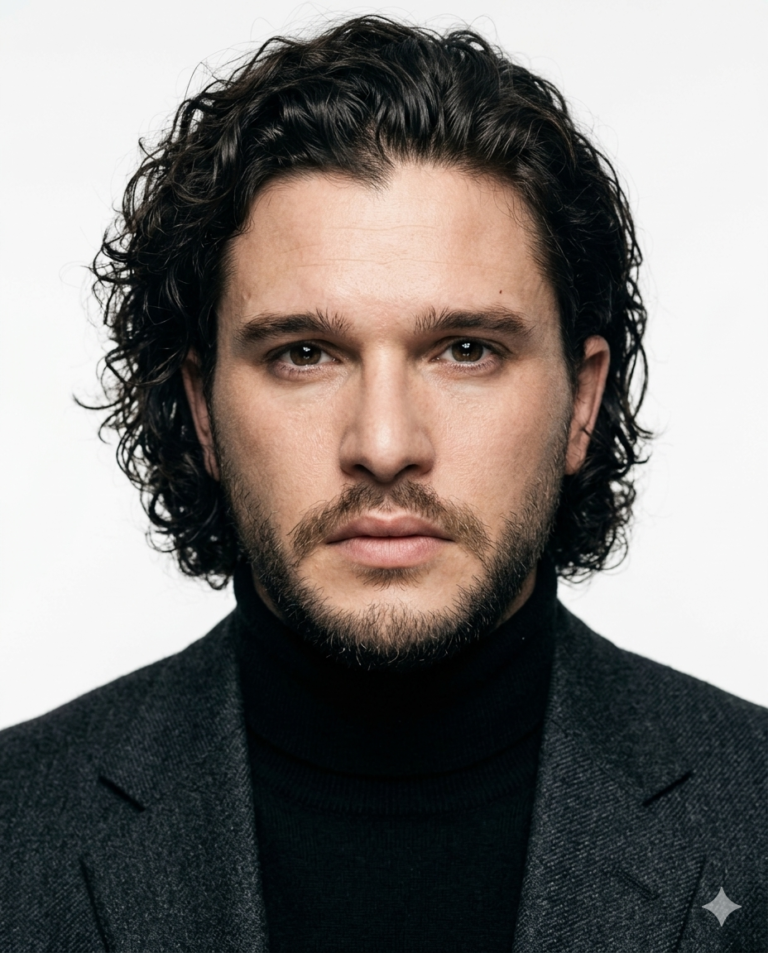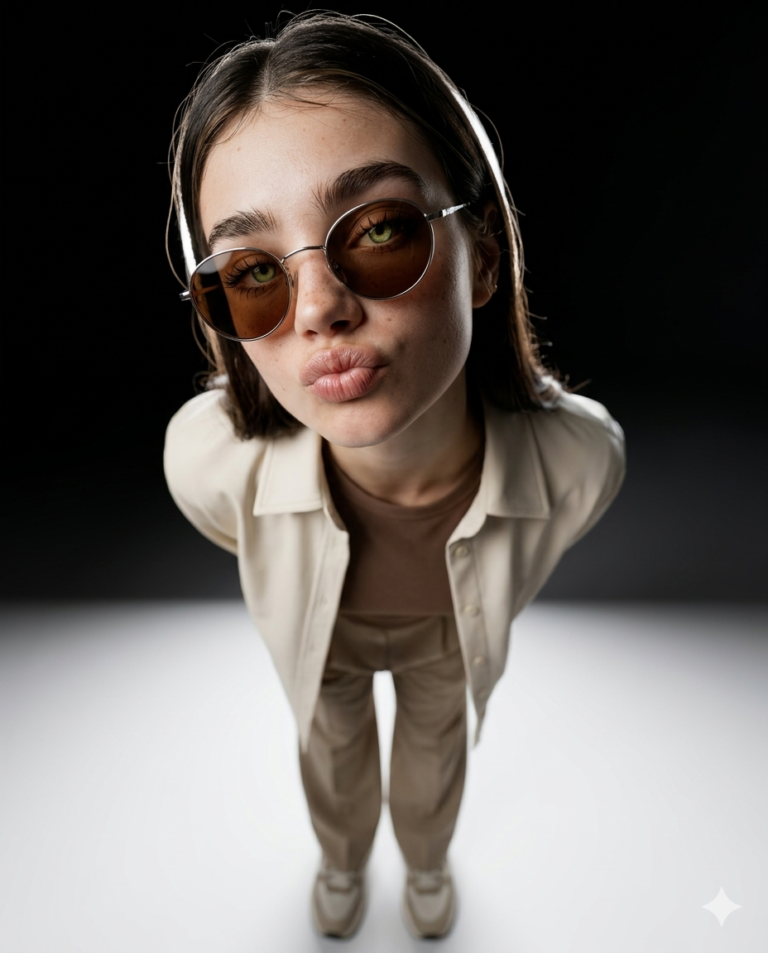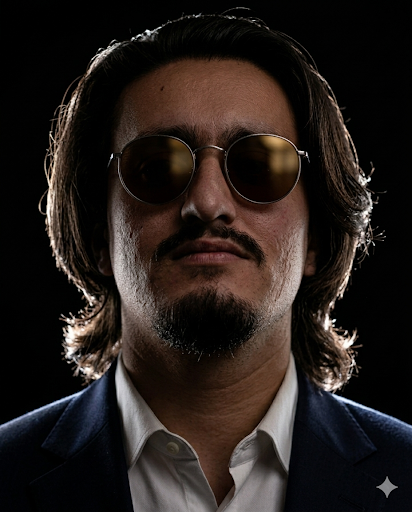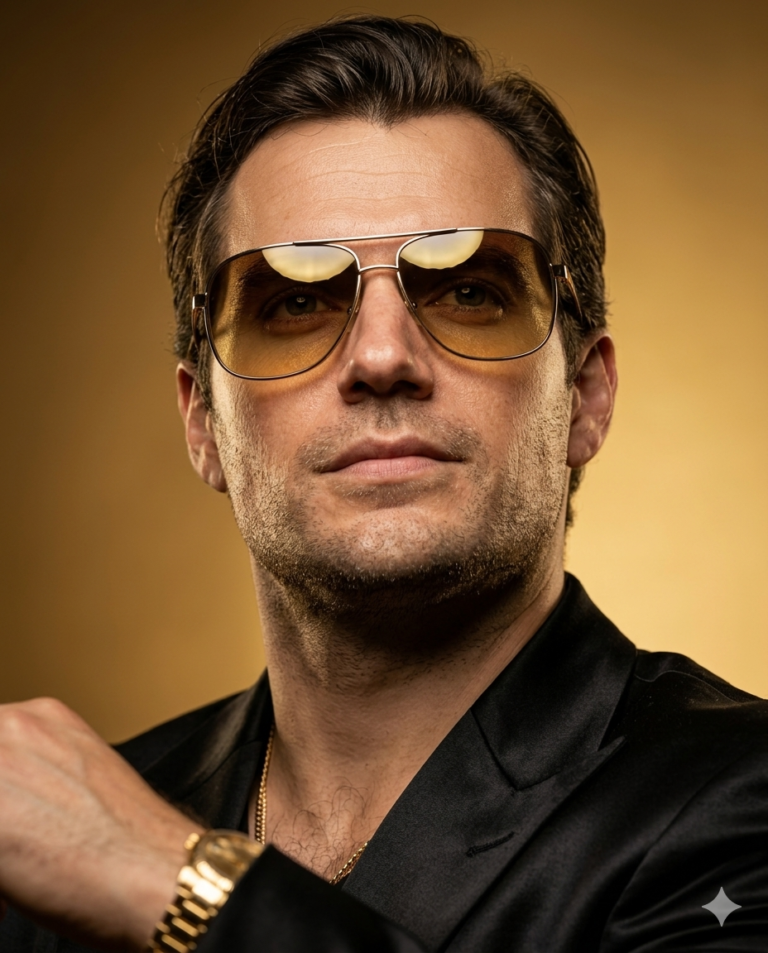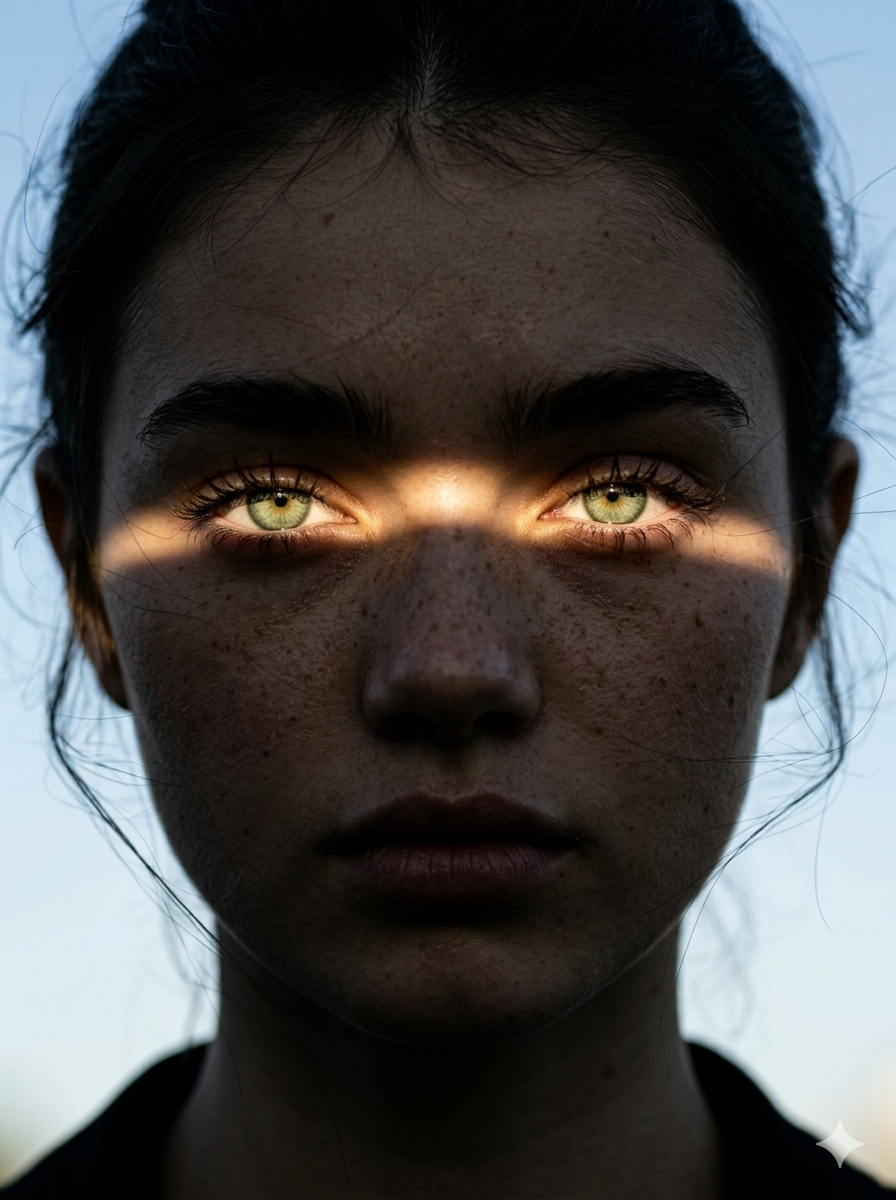
Dramatic Chiaroscuro Sunbeam Portrait
Pro Tips and Settings
To get the absolute best results matching watermarked_img_15565177536557816570.png, pay close attention to these parameters and stylistic choices:
Key Camera Settings (To Emulate)
Focal Length: 85mm or 105mm. These are classic portrait focal lengths that compress facial features naturally without distortion.
Aperture: f/1.4 or f/1.8. This creates a razor-sharp focus on the eyes while allowing the background to melt into a soft, non-distracting blur.
Aspect Ratio: Use --ar 3:4 or --ar 2:3 for a powerful vertical magazine/cinematic frame.
Lighting Mastery (The Chiaroscuro Effect)
The "Sunbeam" Trick: AI can sometimes struggle to put light only across the eyes. Using terms like "slat of light," "blinds shadow," "sharp ray of sunlight," or "shadow play" forces the generator to cut the light sharply.
Contrast: Pair your light descriptors with phrases like "deep moody shadows," "low-key lighting," or "high-contrast noir aesthetic" to keep the shadow side of the face pitch black.
Overcoming the "Plastic AI" Look
Skin Texturing: To keep the face looking 100% human and textured rather than airbrushed, always include texture-specific keywords: visible pores, uneven skin tone, subtle blemishes, and fine facial hair.
The Engine Modifier: If using Midjourney, adding --style raw reduces the default beautification algorithm and delivers a much more gritty, authentic photographic result.
DCSP0005